CachiBot: A Sandboxed AI Agent Dashboard You Can Actually Trust
CachiBot: A Sandboxed AI Agent Dashboard You Can Actually Trust
AI agents are powerful and unpredictable. Give an LLM access to run commands, call APIs, or write files, and you’re one prompt injection away from real damage.
That’s why I built CachiBot — a visual dashboard for AI agents where every action runs in a sandbox and nothing happens without your approval.
The AI agent trust problem
Most agent frameworks work like this:
- You give the agent a goal.
- The agent decides what to do.
- It executes actions automatically.
- You hope nothing went wrong.
This is fine for read-only tasks. But as soon as an agent can write files, send messages, or call external APIs, the risk grows. A single malformed tool call can delete data, send spam, or leak secrets.
What CachiBot does differently
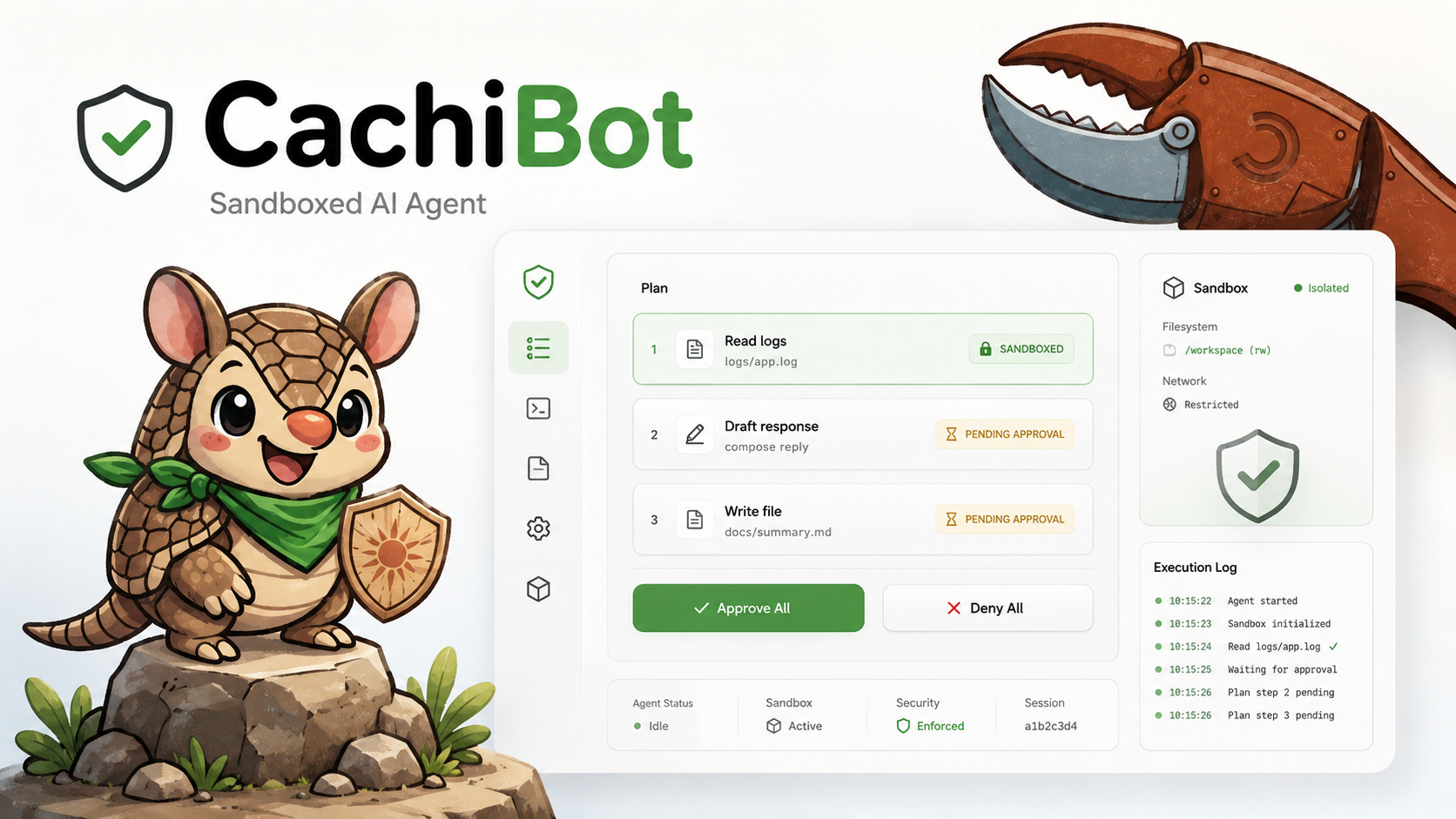
CachiBot introduces a human-in-the-loop sandbox:
- Plan first: The agent proposes a sequence of actions.
- Review before execution: You see exactly what it plans to do.
- Sandboxed runs: Each action executes in an isolated environment.
- Full audit log: Every decision, input, and output is recorded.
Nothing runs unless you approve it. You stay in control.
Key features
Visual agent dashboard
CachiBot shows the agent’s current state, planned actions, execution history, and output in one interface. You don’t have to parse logs or guess what the agent is doing.
Multi-provider LLM support
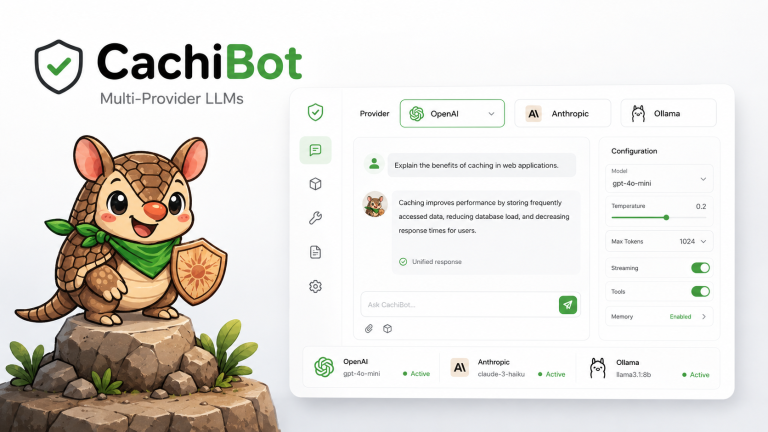
CachiBot isn’t locked to one model. It works with OpenAI, Anthropic, local models via Ollama, and more. You can compare how different models handle the same task.
Sandboxed execution
Actions run inside a controlled environment. File writes, shell commands, and API calls are intercepted and executed with restricted permissions. If something goes wrong, the blast radius is small.
Plugin architecture
Tools are plugins. You can add custom tools for your own APIs, databases, or internal services without modifying the core agent logic.
Architecture overview
┌─────────────────┐
│  Web Dashboard  │  (React UI)
└────────┬────────┘
         │
┌────────┴────────┐
│  Agent Engine   │  (Python)
│  - Planner      │
│  - Sandbox      │
│  - Audit log    │
└────────┬────────┘
         │
┌────────┴────────┐
│  LLM Providers  │  (OpenAI, Anthropic, Local)
└─────────────────┘
The dashboard is where humans interact. The engine is where plans are made, sandboxed, and executed. LLM providers supply the reasoning.
Use cases
- DevOps assistants: Let an agent investigate logs, but require approval before it restarts a service.
- Code reviewers: Agents summarize changes and suggest edits; humans approve the merge.
- Data analysts: Agents query databases and generate reports; sandboxing prevents destructive queries.
- Customer support bots: Agents draft responses; humans send them.
Why open source?
Trust in AI tools requires transparency. CachiBot is open source so you can audit the sandbox, review the prompt logic, and host it yourself. Your agent conversations and data stay on your infrastructure.
Get the code: github.com/jhd3197/CachiBot
What’s next
The roadmap includes:
- Multi-agent collaboration
- Fine-grained permission policies
- Integration with Faro for server diagnostics
- Agent memory and learning from approvals
If you’re building or using AI agents, CachiBot is worth a look.
Related posts: