
HOSTING CONTROL PANEL
2026
ServerKit
ServerKit is an open-source server control panel I built to manage web applications, databases, and Docker containers without paying for expensive tools like cPanel.
The Problem
Managing servers shouldn’t require:
- $45/month licensing fees (cPanel)
- Kubernetes expertise (Coolify, for simple sites)
- Interfaces designed in 2008 (HestiaCP)
I wanted something modern, free, and capable of handling both WordPress sites and Docker containers.
Features
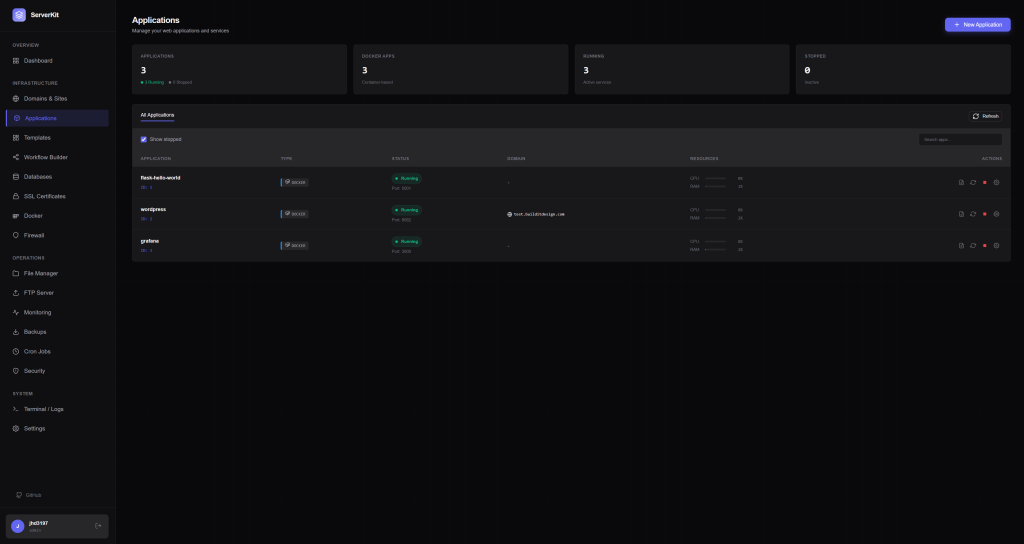
Application Management
Deploy and manage multiple app types from one dashboard:
- PHP/WordPress – One-click WordPress installation
- Python – Flask and Django with Gunicorn
- Node.js – PM2-managed applications
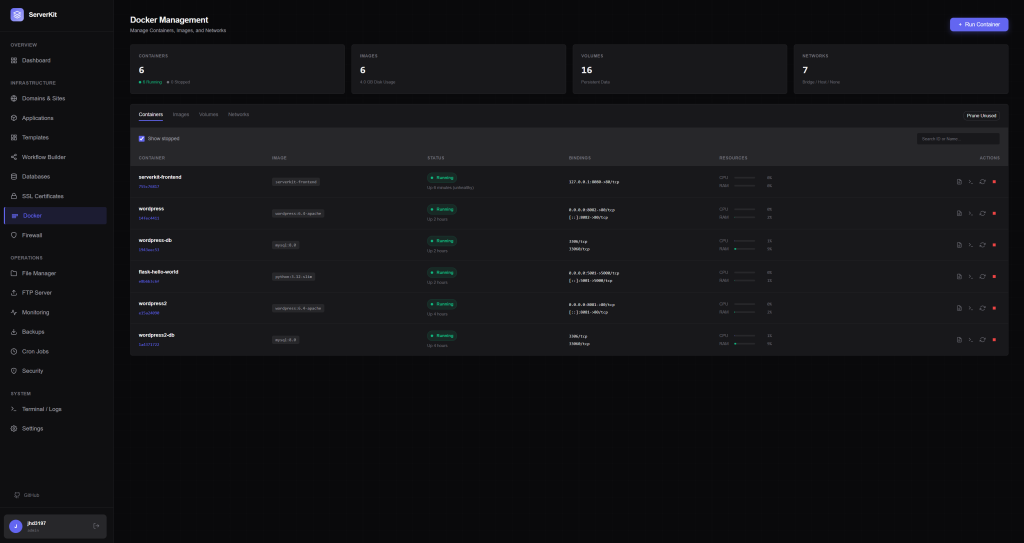
- Docker – Full container lifecycle management
Infrastructure
- Automatic SSL via Let’s Encrypt
- Nginx reverse proxy configuration
- UFW Firewall visual management
- Cron Jobs with visual scheduler
Security
- Two-factor authentication (TOTP)
- ClamAV malware scanning
- File integrity monitoring
- Failed login detection
Monitoring
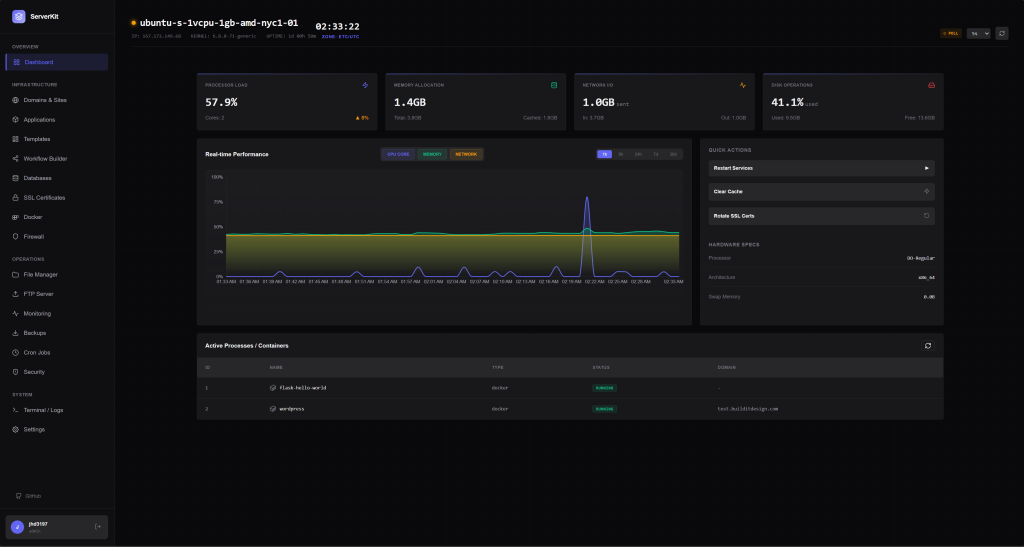
- Real-time CPU, RAM, disk, network metrics
- Alert thresholds with webhook notifications
- Discord, Slack, Telegram integration
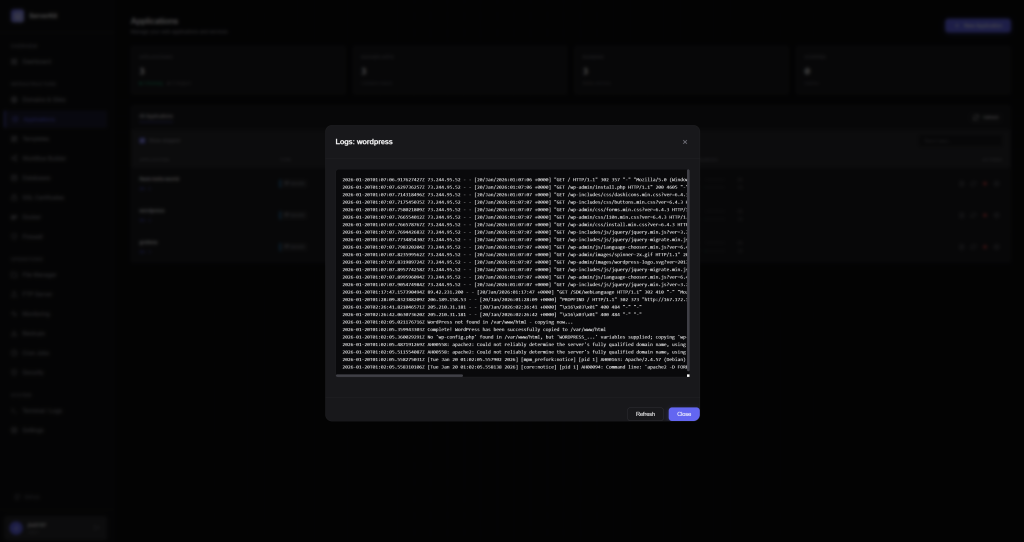
Screenshots
Tech Stack
| Component | Technology |
|---|---|
| Backend | Python 3.11, Flask, SQLAlchemy |
| Frontend | React 18, Vite, LESS |
| Database | SQLite / PostgreSQL |
| Web Server | Nginx, Gunicorn |
| Real-time | Flask-SocketIO, WebSockets |
Installation
One-line install (Ubuntu 22.04+):
curl -fsSL https://raw.githubusercontent.com/jhd3197/ServerKit/main/install.sh | bash
Docker:
git clone https://github.com/jhd3197/ServerKit.git
cd ServerKit && docker compose up -d
Development Journey
I started building ServerKit in [month/year] after [brief origin story].
Key challenges and learnings:
- Real-time architecture – Why I chose Flask-SocketIO over alternatives
- Security considerations – Handling privileged operations safely
- Nginx templating – Dynamic config generation at scale